

NuboDrive
Your photos and files in a private cloud, at hand on any device.
- iPhone and iPad
- Android
- Mac
- Windows coming soon
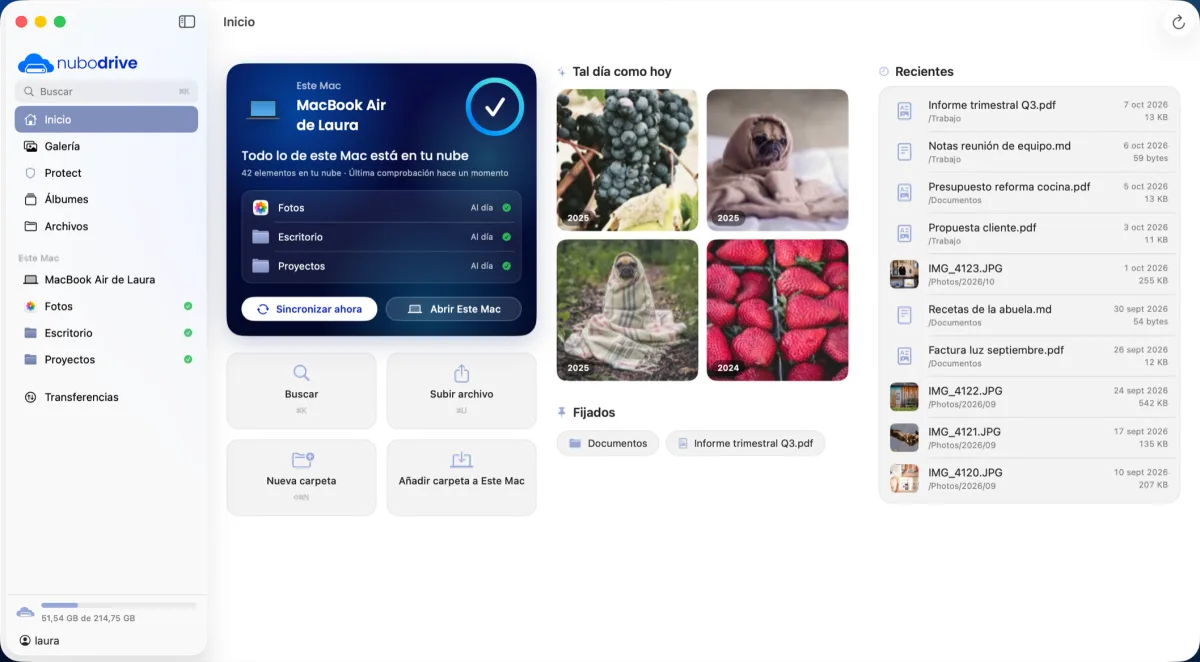
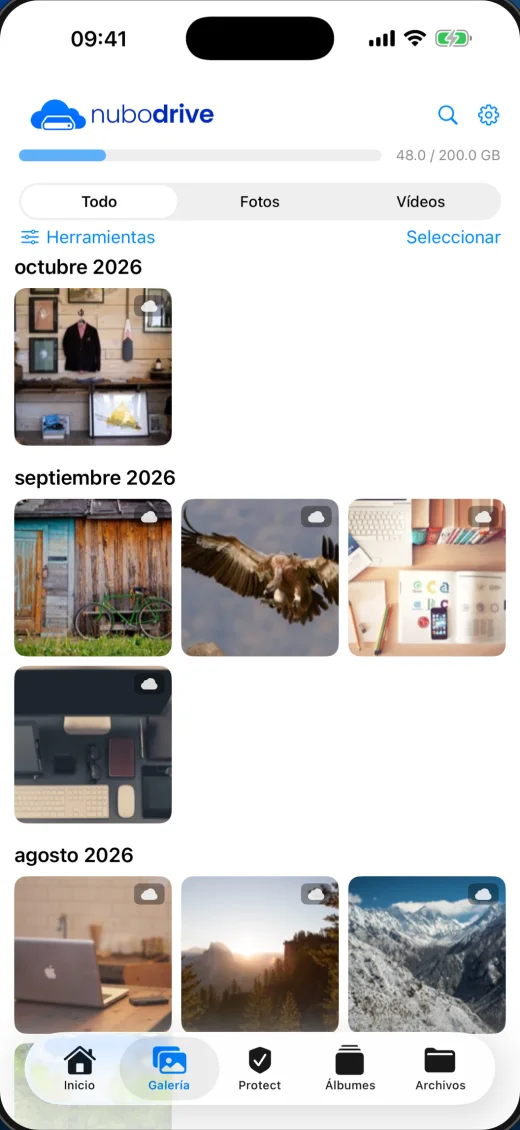
Keep your photos, browse with protection and travel with data: two apps on your provider's network.
They're free. To use them you need an account from your provider.
Your photos and files in a private cloud, at hand on any device.
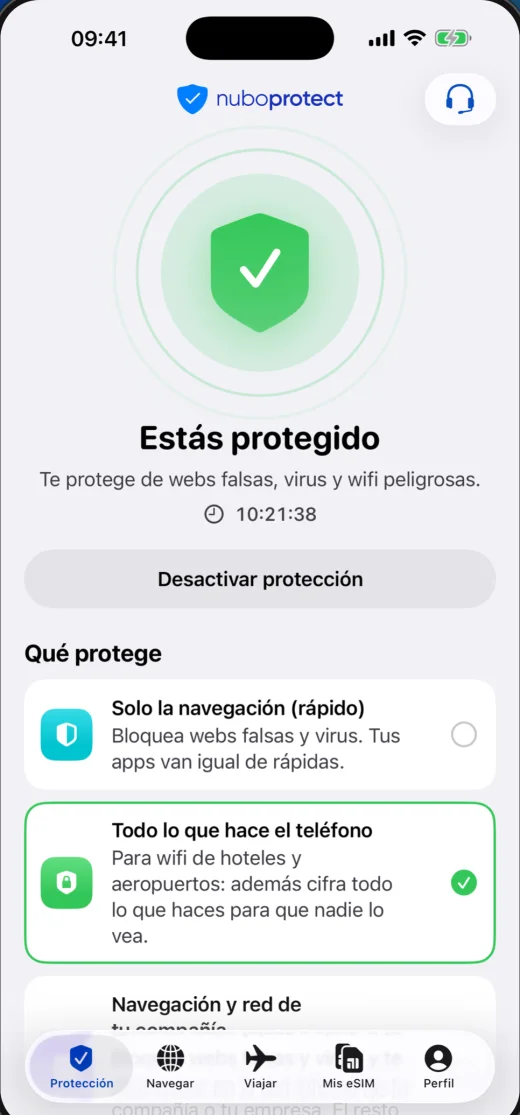
VPN, private browser and protection against malicious sites. And for travel, an eSIM that stays on your phone: you top up data from the app and it goes on your provider's bill.
Your files live in Nextcloud, the open-source cloud. The app reaches them through your provider's private VPN.
If yours isn't here, ask your provider: they look after your account.
A service offered by your internet provider: a private cloud for your photos and files (NuboDrive) and, in a single app, protection while you browse and an eSIM with data for travelling (NuboProtect).
Through your internet provider. NuboLink isn't sold directly to the public: if your provider offers it, they sign you up and email you your sign-in details.
The apps are free to download. Your provider sets the price of the service and adds it to your usual bill.
Install the app and use it to scan the QR code in your welcome email: it sets itself up. The code is valid for 30 days and works on all your devices. You can also sign in with your username and password.
On a Nextcloud server run by your provider. The app reaches it through a private VPN, so your files don't pass through third-party clouds.
NuboDrive: iPhone, iPad, Android and Mac. NuboProtect: iPhone, iPad, Android and Mac.
Ask your provider to send you the link to change it. It arrives by email and expires after one hour.
Install the app on the new one and scan the code in your welcome email again. If it has expired, your provider can resend it.
You choose a data plan for your destination, install the eSIM with a code and connect when you arrive. When the data runs out you can top up the same eSIM, without installing another.
Your provider. They signed you up and they can see what's happening with your account.
NuboLink is a service exclusively for ISPs and WISPs: private cloud, protection and travel eSIM under your brand, on your own network.
We'll explain how it works and how to roll it out on your network.
Already an operator? Operator sign-in